The Best Apps to Plan a Trip in 2026 (Honest Comparison)

The short answer: there isn't one best trip planner app, because "planning a trip" means different jobs. Wanderlog is the most complete all-round itinerary builder with Android and web, TripIt is the strongest for organizing bookings and flight alerts, Tripsy is the most polished for Apple users, Mindtrip and Rhyme are for people who want AI to draft the plan, Google Maps lists are the free default, and Otta is for planning with friends from the places you already save on Instagram and TikTok.
A note on fairness: this blog is published by Otta, one of the apps compared here. We have tried to describe every app, including our own, honestly, with its real strengths and limits, using each app's official site and App Store listing.
Prices and features below were checked on each app's official site or App Store listing on October 6, 2026. Prices are US App Store prices and can change.
Which trip planner app should I pick?
Short answer: pick by the job you need done most, not by feature count.
| Pick this... | If you... | Platforms | Price |
|---|---|---|---|
| Wanderlog | Want a full itinerary builder with maps, budgets and group editing on any device | iOS, Android, web | Free; Pro from $5.99/month |
| TripIt | Mostly need your flights and hotels organized, plus flight alerts | iOS, Android, web | Free; Pro $48.99/year in the App Store |
| Tripsy | Live in the Apple ecosystem and want a beautiful timeline of your bookings | iPhone, iPad, Mac, Apple Watch, plus web and Android | Free; Pro from $7.99/month or $39.99/year |
| Mindtrip | Want an AI assistant to suggest and draft the trip, and maybe book it | iPhone, web | Free to download |
| Rhyme (formerly Roamy) | Want AI to turn saved reels into an itinerary for you | iPhone | Free; Pro $14.99/month or $29.99 to $59.99/year |
| Google Maps lists | Just want saved pins, shareable with friends, at no cost | iOS, Android, web | Free |
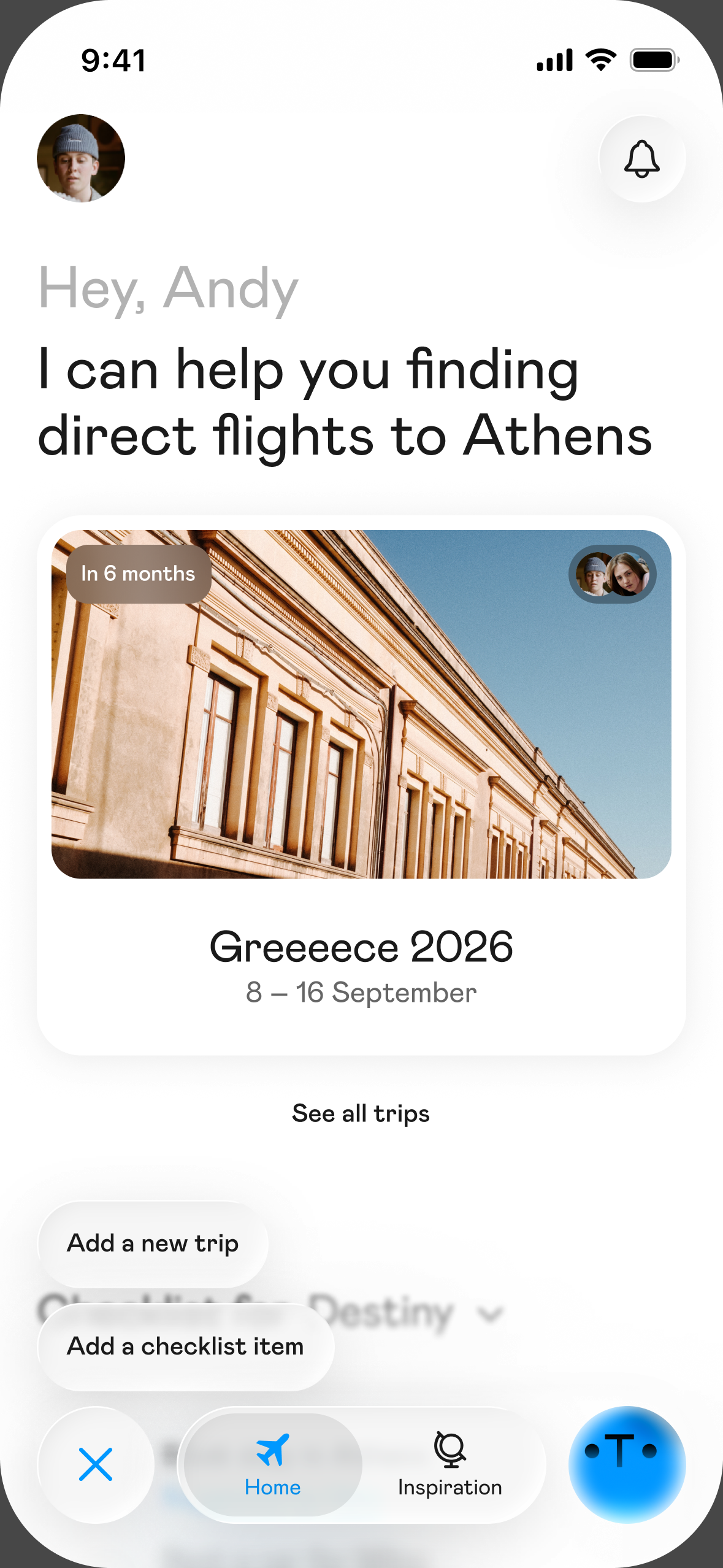
| Otta | Plan with friends, starting from what you already save on Instagram and TikTok | iPhone, plus public guides on the web | Free |
What is Wanderlog best for?
Short answer: building a detailed day-by-day itinerary with a group, on any device.
- Strengths: real-time collaboration with friends, a Google Maps-based map, route optimization, budgeting with bill splitting, offline access, and importing reservations by forwarding confirmation emails or connecting Gmail.
- Limitations: you build the plan mostly by searching for places, so if your ideas live in saved reels you'll be retyping them. Its site doesn't mention importing from Instagram or TikTok.
- Price: free, with Wanderlog Pro at $5.99/month or annual plans listed from $31.99 to $59.99.
- Platforms: iOS, Android, web.
What is TripIt best for?
Short answer: turning booking emails into one clean itinerary, especially if you fly a lot.
- Strengths: forward any confirmation to plans@tripit.com and it builds the itinerary automatically. Pro adds real-time flight alerts, seat and fare tracking, check-in reminders and loyalty point tracking.
- Limitations: it organizes logistics, not inspiration. It isn't designed for deciding what to do or where to eat.
- Price: free, with TripIt Pro at $48.99/year in the App Store ($49/year on TripIt's site).
- Platforms: iOS, Android, web.
What is Tripsy best for?
Short answer: Apple users who want their bookings, routes and expenses in one tidy timeline.
- Strengths: day-by-day itinerary, "Smart Import" from screenshots, documents, booking emails and Google Maps or Apple Maps lists, multi-currency expense tracking, flight updates, offline access, and collaboration with view-only options.
- Limitations: the best experience is on Apple devices, and several features sit behind Pro (some need Apple Intelligence).
- Price: free, with Tripsy Pro at $7.99/month or $39.99/year, and a family plan at $59.99/year.
- Platforms: iPhone, iPad, Mac, Apple Watch, Apple Vision, with web and Android versions listed on its site.
What is Mindtrip best for?
Short answer: travelers who want an AI assistant to suggest places and draft the plan.
- Strengths: personalized suggestions for what to see, eat and where to stay; "Start Anywhere" turns articles, videos, photos or Google Maps links into a chat, collection or trip plan; group chats and shared itineraries; and booking for flights, stays and restaurants.
- Limitations: the approach is AI-first, so the suggestions come from the assistant, not from people you know. If you enjoy choosing every spot yourself, you may spend time editing what it proposes.
- Price: free to download.
- Platforms: iPhone (iOS 26 or later per the App Store) and web.
What is Rhyme (formerly Roamy) best for?
Short answer: turning travel reels into places on a map, then letting AI build the itinerary.
- Strengths: one-tap import from TikTok and Instagram that detects places mentioned in a video, a map of all your spots, an AI day-by-day itinerary based on how many days you have, route optimization, and inviting friends to edit trips.
- Limitations: the itinerary is built for you, which is great if you want speed and less great if you like deciding the order yourself. One App Store reviewer noted that group planning needed a subscription per person.
- Price: free, with Pro listed in the App Store at $14.99/month or yearly options between $29.99 and $59.99.
- Platforms: iPhone.
Are Google Maps lists enough to plan a trip?
Short answer: for a short trip with a few pins, often yes. For a multi-day trip with a group, you'll miss days, bookings and context.
- Strengths: free, already on everyone's phone, works on iOS, Android and desktop. Lists can be shared by link, and you can invite collaborators who can edit the list.
- Limitations: a list is a pile of pins, not a plan. There's no day-by-day structure, no place for flight or hotel confirmations, and no record of why you saved each place.
- Price: free.
- Platforms: iOS, Android, web.
What is Otta best for?
Short answer: groups who find their ideas on Instagram and TikTok and want to plan the trip together, themselves.
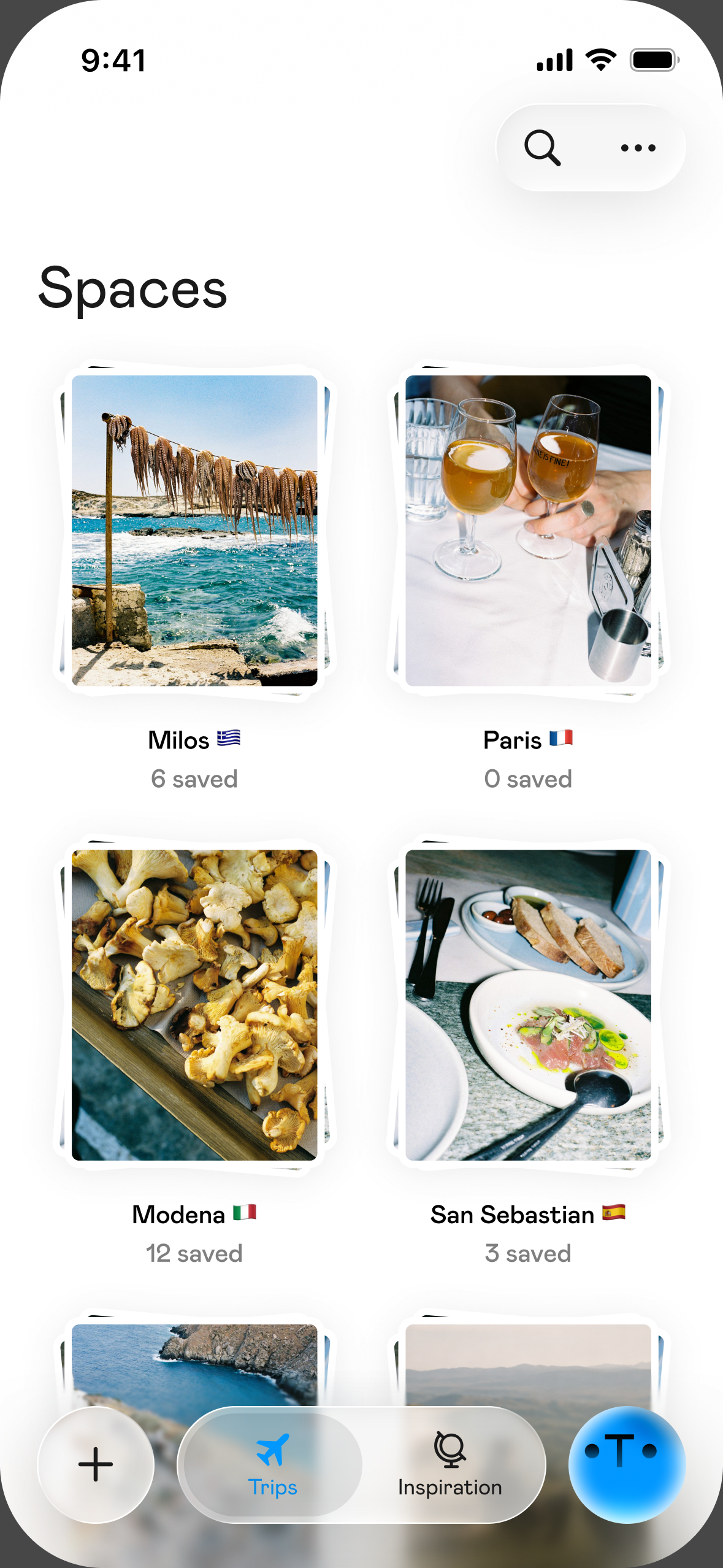
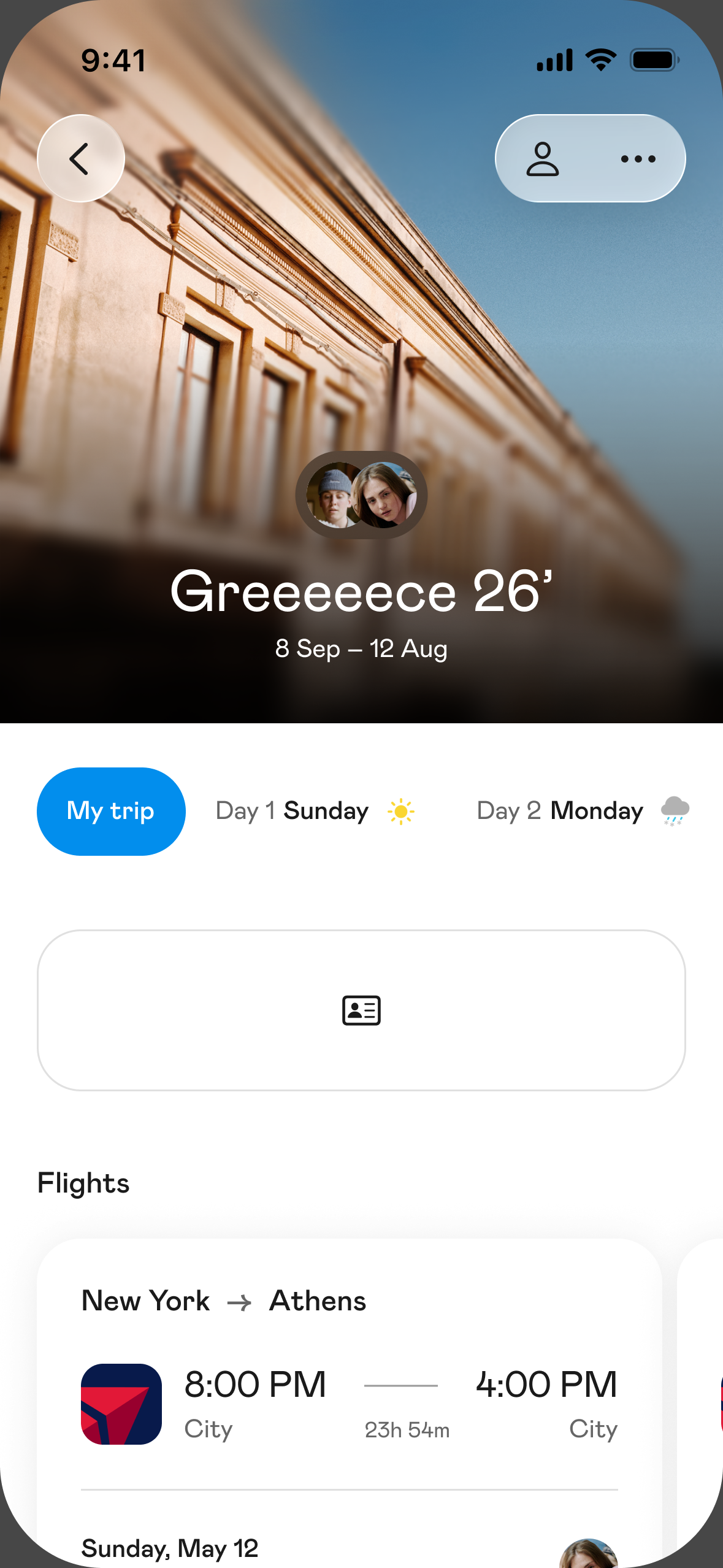
- Strengths: send a reel to Otta on Instagram, or share a TikTok or Instagram link with the iPhone share button, and Otta saves every place mentioned in it, for a specific trip or for later. She reads the audio, the text on the video and the caption, and only pins a place on the map when she's confident it's the right one. You turn your saves into a day-by-day plan everyone in the trip can see and edit, and forward confirmation emails so bookings are filed in the same shared trip. You can also browse public guides made by real travelers and save one in a tap.
- Limitations: iPhone only (no Android). No booking inside the app: you book where you want and forward the confirmation. You can't follow other people or see a feed yet. And there's no automatic Google Maps list import yet.
- Price: free.
- Platforms: iPhone, with public guides and profiles on the web.
How do these apps compare on the features that matter?
| Import from Instagram/TikTok | Group editing | Booking emails into the trip | AI drafts the itinerary | Books for you | |
|---|---|---|---|---|---|
| Wanderlog | Not mentioned on its site | Yes | Yes | No | No |
| TripIt | No | Sharing | Yes | No | No |
| Tripsy | No (imports screenshots, documents and map lists) | Yes | Yes | AI assistant to create trips | No |
| Mindtrip | Videos, photos, articles, Google Maps | Yes | Not mentioned | Yes | Yes |
| Rhyme | Yes | Yes | Not mentioned | Yes | No |
| Google Maps lists | No | Yes | No | No | No |
| Otta | Yes | Yes | Yes | No, you plan it | No |
How do I choose between an AI planner and a do-it-yourself planner?
Short answer: ask yourself whether planning is a chore you want gone, or part of the fun.
If you want a usable plan in minutes and don't mind editing, an AI-first app like Mindtrip or Rhyme fits. If you enjoy picking every restaurant and want your friends' input, a planner that keeps you in control (Wanderlog, Tripsy or Otta) will feel better. If you only need logistics sorted, TripIt does that job very well.
FAQ
What is the best free trip planner app? Google Maps lists and Otta are free with no paid tier listed. Wanderlog, TripIt, Tripsy, Mindtrip and Rhyme are all free to download, with paid upgrades for some features.
Which trip planner works on Android? Wanderlog, TripIt, Tripsy and Google Maps. Otta is iPhone only.
Which app is best for planning a trip with friends? Wanderlog, Tripsy, Rhyme, Mindtrip and Otta all support shared trips. The difference is where you start: a search box (Wanderlog), your bookings (Tripsy), AI (Mindtrip, Rhyme), or the reels you and your friends already saved (Otta).
Can I use more than one app? Yes, and many people do. A common combo is TripIt for flight alerts plus a separate planner for the day-by-day plan.
Sources
- Wanderlog, App Store: https://apps.apple.com/us/app/wanderlog-travel-planner/id1476732439 and official site: https://wanderlog.com
- TripIt, App Store: https://apps.apple.com/us/app/tripit-travel-planner/id311035142 and TripIt Pro: https://www.tripit.com/web/pro
- Tripsy, App Store: https://apps.apple.com/us/app/tripsy-travel-planner/id1429967544 and official site: https://tripsy.app
- Mindtrip, App Store: https://apps.apple.com/us/app/mindtrip-ai-travel-companion/id6503107567 and official site: https://mindtrip.ai
- Rhyme (formerly Roamy), App Store: https://apps.apple.com/us/app/6748781672
- Google Maps lists, Google Maps Help: https://support.google.com/maps/answer/7280933
- Otta, App Store: https://apps.apple.com/us/app/otta-travel-planner/id6758863399