How to Use ChatGPT to Plan a Trip (and What to Double-Check)

The short answer: treat ChatGPT as a sparring partner, not an authority. Tell it your dates, pace, budget and who's going, ask for options and tradeoffs instead of one finished itinerary, and make it search the web and show links for anything with a date or a price. Then click those links yourself. Once the plan settles, move it out of the chat and into a place your whole group can see and edit.
Otta publishes this blog. We've tried to be fair to every app. ChatGPT features and app prices below were checked on November 5, 2026, and they change often.
What is ChatGPT good at when planning a trip?
Short answer: shape, tradeoffs and sorting. It's much weaker on anything that can change, and on taste it can't know unless you tell it.
It's useful for comparing ways to split your nights, turning "somewhere warm in March" into real options, sorting a long list by neighborhood, translating a note to a host, and poking holes in a plan you already have. It's less useful for live availability, current hours and prices, and knowing whether a place suits you. Without context, you get an answer written for an average traveler, so the context you give it is most of the work.
You probably don't need to pay. OpenAI's pricing page lists search and projects on every plan, including Free, with lower limits on uploads, memory and deep research. Go is $8 a month and may include ads, and Plus is $20 a month.
What prompts work for planning a trip?
Short answer: give it context, ask for options, and give it one job per message.
These work well in this order. Swap in your own trip.
1. Have it interview you first.
I'm planning 8 days in Portugal in late April with two friends. Before you suggest anything, ask me up to six questions about our pace, budget, food, and what we've disliked on past trips.
2. Get the shape before the sights.
Give me three ways to split 8 nights between Lisbon, Porto and one smaller place. For each, show the time lost moving between bases and who it suits. Don't list attractions yet.
3. Feed it your own list.
Here are the places we've saved: [paste list]. Group them by neighborhood, flag anything too far away to share a day, and don't add anything new.
4. Make it show its work.
Search the web for each place above. Make a table with opening days, hours, ticket price, whether booking is required, and a link to the official site. If you can't find an official source, write "not confirmed" instead of guessing.
5. Plan for the whole group.
There are four of us: one vegetarian, one with a bad knee, and daily budgets from $150 to $300. Which afternoons could we split up and meet again for dinner?
6. Ask it to attack the plan.
Here's our day-by-day plan: [paste]. Find what could go wrong: closing days, public holidays, unrealistic transfer times, back-to-back timed tickets, and days that are too full.
The last one is often the most valuable, because finding problems in a specific plan suits it better than inventing a great plan from nothing. For how to structure the days themselves, see how to make a travel itinerary.
What does ChatGPT get wrong about travel?
Short answer: anything that has to be true on a specific date, and occasionally places that don't exist.
A Greetwell survey published in September 2026 gives a sense of scale. Among 485 US travelers who had used or tried AI for travel (AI tools in general, not ChatGPT specifically), 55% reported at least one bad recommendation, 27% got incorrect prices, hours or other details, and 16% were recommended something that didn't exist. Greetwell sells travel experiences, so read that with its interest in mind.
| What goes wrong | A real example | What to do |
|---|---|---|
| Invented places | BBC reporting, summarized by Futurism, describes tourists in Peru hiking in search of a "Sacred Canyon of Humantay" that doesn't exist | Find the place on a map and in a second source before it goes on the plan |
| Hours and closures | The same reporting describes a couple stuck on a Japanese mountain after ChatGPT gave them the wrong information about when a path would be open | Check the operator's own page for your date |
| Closing days | The Louvre closes on Tuesdays and the Uffizi on Mondays, so a "perfect" Tuesday in Paris can fall apart | Name your exact dates in the prompt |
| Old prices | The Louvre's ticket for visitors from outside the European Economic Area is €32 under rates that took effect on January 14, 2026, so anything older is out of date | Use the official ticket page |
| Overfull days | A list of sights isn't a day. It often leaves out lunch, lines and getting across town | Check transfers on a map and cut something |
| Generic picks | You tend to get the places that are written about most | Ask "why this one for us?" and compare with what friends recommend |
How do I verify opening hours and prices?
Short answer: open the official source for each place, and check twice on anything that would ruin the day if it's wrong.
- Make it search, then open the links. When ChatGPT uses web search, it gives citation links you can open. OpenAI's own training page says to "always review linked sources before making decisions." If a link goes to a blog, or doesn't say what ChatGPT claimed, the fact isn't confirmed.
- Rank your sources. The venue's official site comes first, then the operator's or tourism board's site, then Google Maps, then recent reviews, and travel blogs last. Google has said Maps warns you when hours may differ on a holiday and a business hasn't listed its holiday hours, which is a useful flag.
- Check the page is current. Does it name this year? Does it cover your season? Museums and ski lifts often run different winter and summer hours.
- Look for the booking catch. Some places only sell timed tickets in advance, which a chat answer can gloss over. Ask whether booking is required, then confirm it on the ticket page.
- Don't rely on prices from the chat. Use Google Flights' "Track prices" for fares. For hotels, compare a platform's rate with the hotel's own site.
- Check again a week before you go. Hours and rules change. Call anywhere you'd cross a city for.
One habit to skip: pasting passport numbers or full booking details into the chat. They don't help the plan. OpenAI also says information accessed through connected apps may be used to train its models on Free, Go, Plus and Pro if the "Improve the model for everyone" setting is on, so check that setting.
Can ChatGPT book the trip for me?
Short answer: not as a rule. Travel apps inside ChatGPT can show options, but launch coverage says you finish the booking on the company's own site.
Expedia and Booking.com launched apps inside ChatGPT in October 2025, showing listings with prices and availability in the chat. You connect an app in Settings, then mention it with @ in a conversation. Tripadvisor has an app too, and OpenAI notes that availability depends on your plan and region. Treat these as a faster search box, and compare before you pay.
Can my friends plan in ChatGPT with me?
Short answer: partly. Shared projects work as a research folder, but they aren't a live group plan.
Group chats in ChatGPT are being retired: since July 9, 2026 you can't create or join a new one. Shared projects remain on every plan. Free allows up to 5 collaborators and 5 files, and Go and Plus allow 10 collaborators and 25 files. OpenAI's help page says chats in a shared project can be branched, but not worked on together at the same time. So two friends can each continue the conversation, and end up with two versions of the plan.
Where should I keep the plan afterward?
Short answer: somewhere other than the chat. A chat is a long scroll with no map and nowhere to put bookings.
First, ask for a clean handoff: "Turn the final plan into a table with day, place, address, time, booked yes or no, and official link. Include only what we've confirmed." Then paste it wherever your group will really look.
| Option | Good for | Limits | Price |
|---|---|---|---|
| ChatGPT project | Keeping your research and context together | No map, no live co-editing, file caps | Free; Go $8/month; Plus $20/month |
| Google Docs plus a Google Maps list | Nothing new to install, and you can invite friends to edit the list | The plan and the pins live apart, and it's all manual | Free |
| Wanderlog | A detailed itinerary edited together in real time, with maps, budgets and email import, on iOS, Android and web | You build it place by place. Its site doesn't mention importing from Instagram or TikTok | Free; Pro listed from $5.99/month in the App Store |
| TripIt | Bookings: forward a confirmation and it builds the itinerary, and Pro adds flight alerts | Logistics, not ideas | Free; Pro $49/year |
| Tripsy | Apple users who want a polished timeline, with co-planning or view-only guests | Several features sit behind Pro | Free; Pro $7.99/month or $39.99/year |
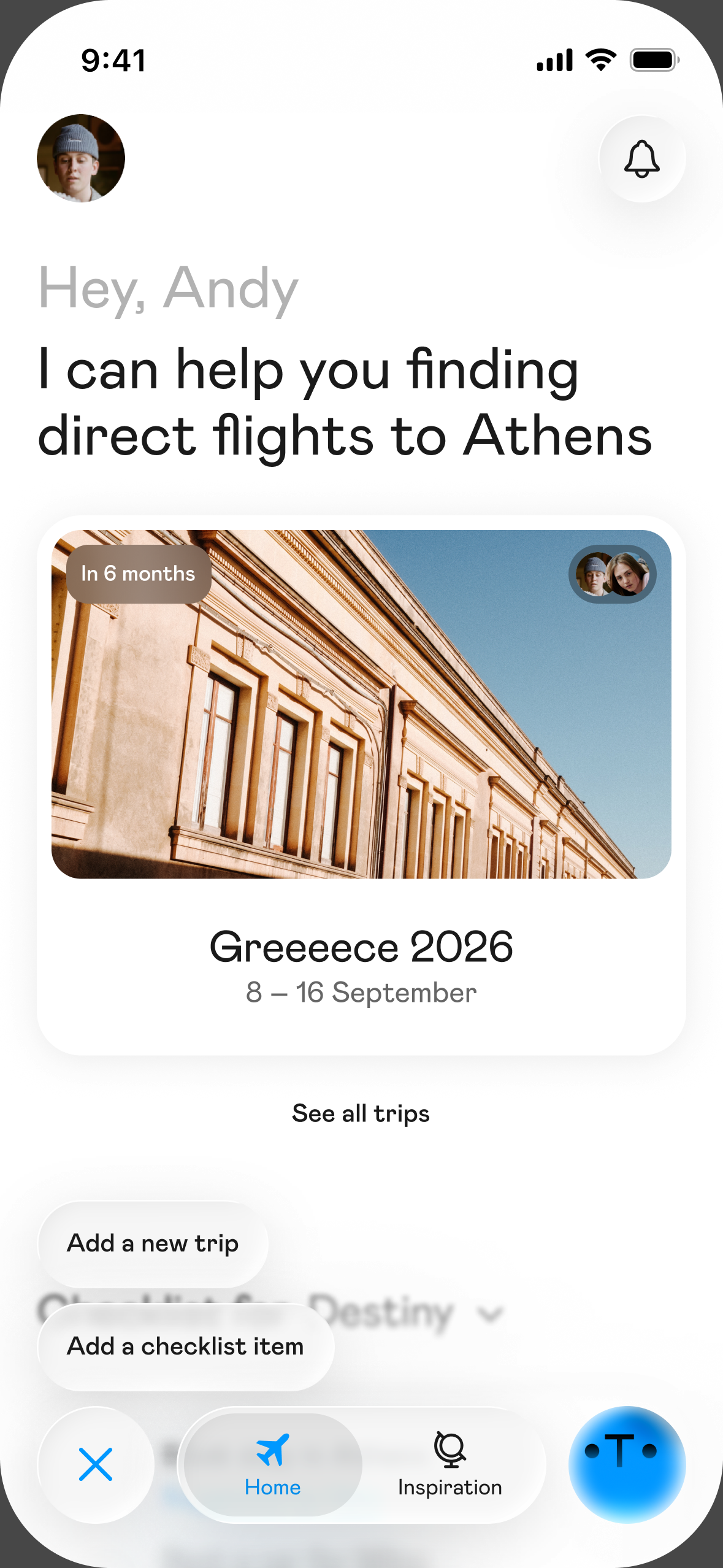
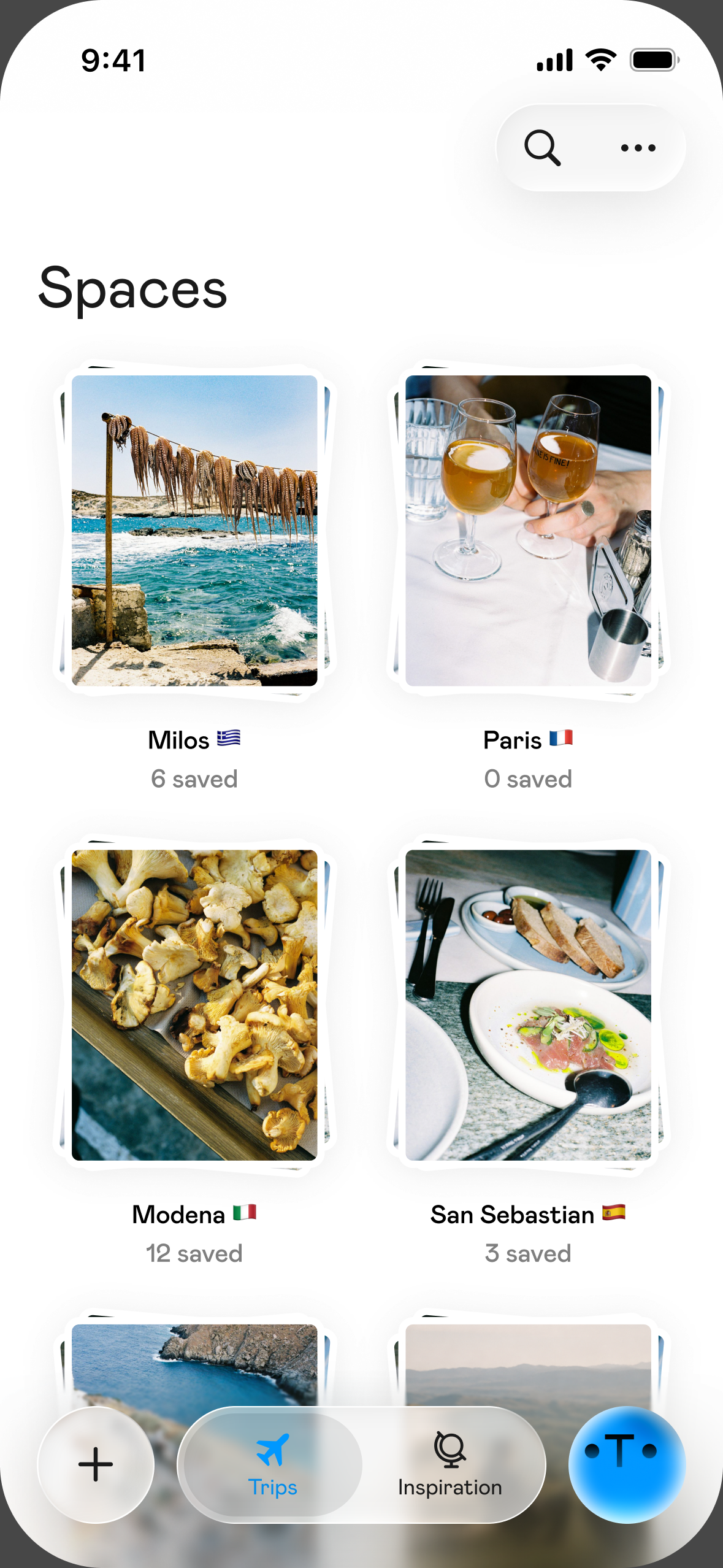
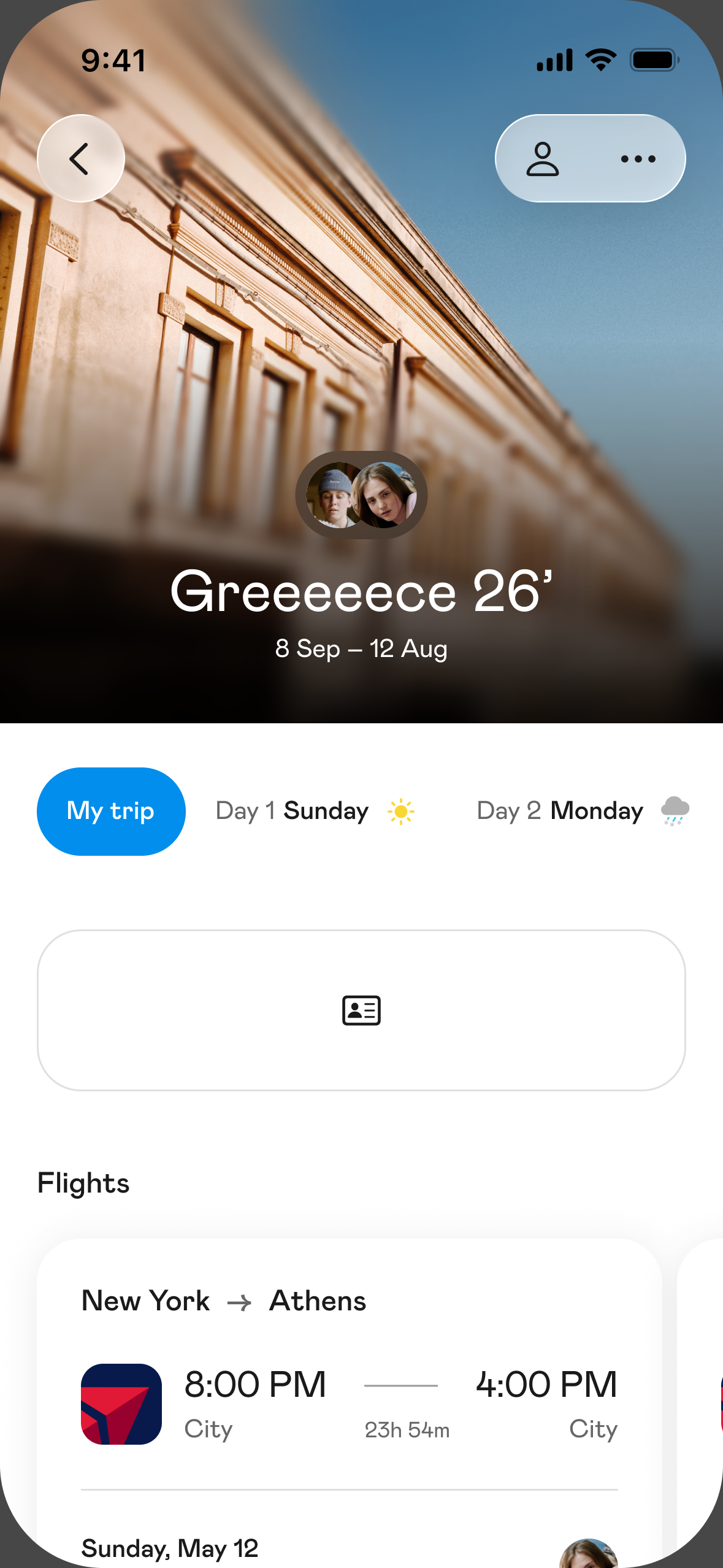
| Otta | Groups whose ideas also live in saved reels: everyone sees and edits the same day-by-day plan, and forwarded confirmations land in the shared trip | iPhone only, doesn't book for you, no cost splitting, and no direct import from a ChatGPT chat | Free |
There's no single right answer here. If your group is on mixed phones, Wanderlog or a shared doc will fit better than an iPhone-only app. If you only need your flights in order, TripIt does that well. We compare more options in the best trip planner apps.
FAQ
Is ChatGPT good for planning a trip?
Yes, for ideas, structure and finding holes in a plan. It's unreliable as the last word on hours, prices and availability, so check those on official sites before you rely on them.
Is the free version of ChatGPT enough to plan a trip?
For most trips, yes. OpenAI lists search and projects on the Free plan, with lower limits on things like uploads, memory and deep research. Paid plans mostly buy you higher limits.
How do I stop ChatGPT from making things up?
You can't remove the risk, but you can shrink it. Ask it to search the web, require an official link for every fact, and tell it to write "not confirmed" when it can't find one. Then open the links.
Can ChatGPT find live flight and hotel prices?
The Expedia and Booking.com apps can show live results in the chat, where available. Confirm the price on the booking page, and use a tool like Google Flights to track fares over time.
Can I share a ChatGPT itinerary with friends?
You can share a project with them, but chats in shared projects can't be worked on together at the same time. For a plan the whole group edits, a shared doc or a trip planning app works better.
Should I let ChatGPT plan the whole trip?
You can, but we'd keep the decisions yourself. Picking what you're excited about is a big part of why trips feel good, and you're the only one who knows what your group will love.
Sources
- ChatGPT pricing: https://chatgpt.com/pricing
- OpenAI, introducing ChatGPT Go: https://openai.com/index/introducing-chatgpt-go/
- OpenAI Help, What is ChatGPT Plus: https://help.openai.com/en/articles/6950777
- OpenAI Help, Projects in ChatGPT: https://help.openai.com/en/articles/10169521-projects-in-chatgpt
- OpenAI Help, retiring group chats: https://help.openai.com/en/articles/12703475-retiring-group-chats-in-chatgpt
- OpenAI Help, connecting app accounts: https://help.openai.com/en/articles/20001494-connecting-and-managing-app-accounts-in-chatgpt
- OpenAI Help, connected apps: https://help.openai.com/en/articles/11487775-connected-apps-in-chatgpt
- OpenAI Academy, web search: https://academy.openai.com/public/clubs/work-users-ynjqu/resources/web-search
- Greetwell, AI Travel Survey 2026: https://www.greetwell.com/us/research/ai-travel-survey-2026
- Futurism, on BBC reporting about AI travel errors: https://futurism.com/artificial-intelligence/ai-hallucination-landmarks-tourists
- Louvre, hours and admission: https://www.louvre.fr/en/visit/hours-admission
- Uffizi, opening hours: https://www.uffizi.it/en/the-uffizi
- Google Maps blog, holiday hours: https://maps.googleblog.com/2015/11/tis-season-google-brings-holiday-hours_6.html
- Google Flights Help, tracking prices: https://support.google.com/travel/answer/6235879
- Upgraded Points, Expedia and Booking.com apps in ChatGPT: https://upgradedpoints.com/news/expedia-booking-apps-live-inside-chatgpt/
- Tripadvisor in ChatGPT: https://www.tripadvisor.com/ChatGPT
- Google Maps Help, sharing and collaborating on lists: https://support.google.com/maps/answer/7280933
- Wanderlog: https://wanderlog.com/
- Wanderlog, App Store: https://apps.apple.com/us/app/wanderlog-travel-planner/id1476732439
- TripIt Pro: https://www.tripit.com/web/pro
- Tripsy, App Store: https://apps.apple.com/us/app/tripsy-travel-planner/id1429967544
- Otta, App Store: https://apps.apple.com/us/app/otta-travel-planner/id6758863399