How to Turn Your Instagram Saved Posts Into a Real Trip Plan
The short answer: Sort your saves into one Instagram Collection per city, pull the actual place name out of each post (caption, location tag, pinned comment), add every place to a map list for that city, then group the pins by neighborhood and turn each cluster into a day. Check hours before you commit, share the map with whoever you're traveling with, and spend 15 minutes a week keeping it tidy so it never turns into a pile again.
Why do my Instagram saves never turn into a trip?
Because a save is a bookmark, not a plan. The default Saved tab mixes the rooftop bar in Lisbon with a recipe, a workout and a meme, newest first.
Three things usually go wrong:
- No place, just a vibe. A reel shows a gorgeous plate but never says the restaurant's name, so when you scroll back months later you can't find it.
- No geography. Your saves don't know which ones are in the same neighborhood, so you can't tell what fits in one afternoon.
- No moment to process them. Saving takes one tap; sorting takes a few minutes you never schedule.
The method below fixes each one, with tools you already have.
How do I organize my Instagram saves by trip?
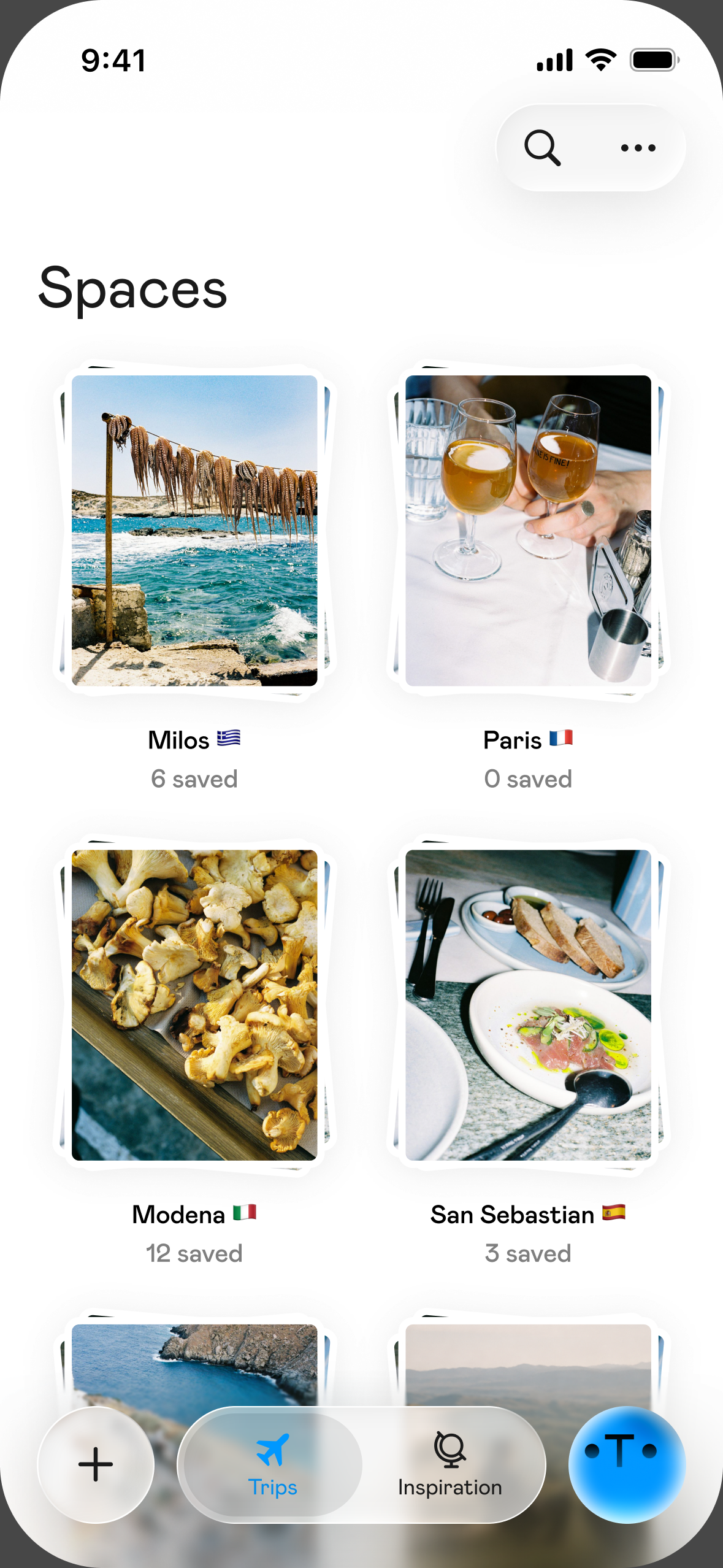
Use Instagram's own Collections, one per city. It's built in and private.
Collections are folders inside your Saved posts. Instagram says collections are private, like all saved posts: only you can see them. To use them:
- While saving: tap and hold the bookmark (save) icon under a post and choose a collection, or create a new one right there.
- For posts you already saved: go to your profile, open Saved, and create a new collection from the posts you've already saved.
- To clean up later: open a collection and use its menu to rename it, change the cover, or add and remove posts.
Instagram also has collaborative collections, where friends you invite can add posts to the same folder. It's handy if your group is all on Instagram, but a shared map (below) usually works better for actual planning.
Menu labels change between app versions, so if something looks different, check Instagram's Help Center.
What should I name my collections?
City first, always. One collection per city keeps things findable when you finally book.
| Collection name | Use it for |
|---|---|
| Lisbon | Everything in Lisbon, any category |
| Lisbon, maybe | Places you're unsure about or that might be outside the city |
| Japan, ideas | A country you haven't split into cities yet |
| Someday | Places with no clear location; sort them later |
A few rules that help:
- Don't split by category (food, bars, museums). You'll sort by category on the map later, where you can filter. Splitting now means four folders per city.
- Split a country once you pick cities. "Japan, ideas" becomes "Tokyo" and "Kyoto" when the route is set.
- Keep "Someday" small. If a post sits there for months, it probably isn't going on any trip.
How do I find the place name in a reel?
Look in four places, in this order: the location tag, the caption, the pinned or top comments, then the video itself.
- Location tag: Many posts have a location under the account name. Tap it to see the place's page and other posts tagged there. Be careful: creators sometimes tag the city or a nearby landmark, not the actual spot.
- Caption: Creators often list the name, address or neighborhood here, especially in "10 places to eat in..." posts. Tap "more" to open the full caption.
- Comments: If the caption doesn't say, someone has probably asked "where is this?" Check the pinned comment and the creator's replies.
- The video: Pause on storefronts, menus, receipts and street signs. A sign plus the city is usually enough to find the place on a map.
If you still can't identify it after a couple of minutes, move the post to "Someday" and go on. Don't let one mystery café stop the whole process.
How do I put my saved places on a map?
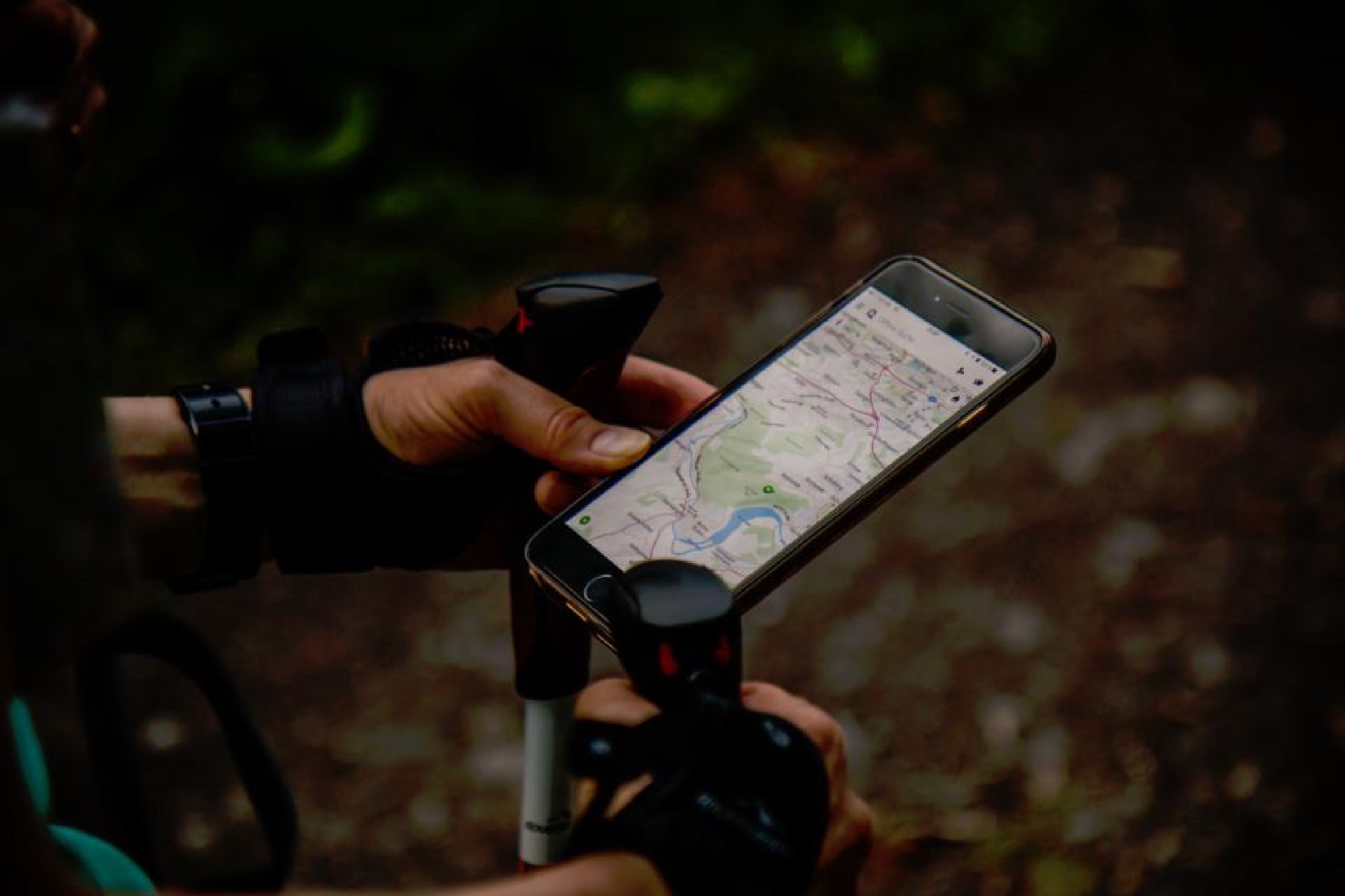
Make one map list per trip, and add every named place to it. A map is what turns a pile of posts into something you can plan with.
Google Maps lists work well for this. On Android, Google's help page describes it like this (iPhone and desktop are similar, with slightly different labels):
- Create the list: in Google Maps, go to You, tap New list, give it a name and choose whether it's private or shared.
- Add a place: search for it, open it, tap Save, and choose your list.
- Add a note: in the list, there's a note field under each place. Paste what you want to remember from the post ("the pistachio croissant," "ask for the terrace").
A few tips that make the list more useful:
- Name the map list the same as your Instagram collection, so you always know which one goes with which.
- In each note, write why you saved it, in a few words. In three months, "saw it on a reel" won't help you.
- Once a post is on the map, you can remove it from the Instagram collection. The collection becomes your inbox, the map becomes your plan.
If you prefer, a notes app or a spreadsheet works too. A simple sheet with columns for Name, Neighborhood, Type, Why, Hours and Link is enough. You just lose the visual of seeing everything on a map.
How do I turn a map of places into days?
Group the pins by neighborhood, then give each cluster its own half day or day.
- Look at the map zoomed out. You'll see natural clusters: three spots in the old town, four near the beach, two across the river.
- Give each cluster a day or a half day. One cluster in the morning and a nearby one in the afternoon is a realistic pace.
- Anchor each day with one thing. A museum, a market, a booked dinner. Fill the rest with nearby places from the same cluster.
- Drop what doesn't fit. A lone pin an hour away is only worth it if it's the reason you're going.
| Day | Neighborhood | Anchor | Nearby saves |
|---|---|---|---|
| Day 1 | Old town | Morning market | Café from the reel, bookshop, lunch spot |
| Day 2 | Riverside | Museum (booked) | Bakery, sunset bar |
| Day 3 | Beach area | Long lunch | Gelato, viewpoint |
How do I check that places are still open?
Check every place one to two weeks before the trip, then again the day before.
- Opening hours and days off. Many restaurants close one or two days a week. Put closures in your notes ("closed Mondays") and rearrange days around them.
- Closed for good. Map listings may show "Temporarily closed" or "Permanently closed". Viral places do close, and old reels keep circulating.
- Reservations. If a place is all over social media, assume you need to book. Check its official site or its own Instagram account.
- Seasonal hours. Beach bars, rooftops and markets often change hours by season.
How do I share the plan with my group?
Share one map, not twenty screenshots.
- Google Maps lists can be shared as a link, and you can invite collaborators so others can add places. Note that people who can see a shared list can also see who has joined it and who added which places.
- Ask everyone to add their saves to the same list, with a short note and their name ("Sam: wants this one for the view").
- Agree on the anchors together (the booked dinner, the museum), and let everyone fill free time with their own picks.
What's a good weekly routine to keep my saves under control?
Fifteen minutes, once a week. Put it in your calendar.
- Minutes 1 to 5: Open Saved and move this week's new saves into city collections.
- Minutes 5 to 12: For the city you're traveling to next, find each place name and add it to that city's map list, with a note.
- Minutes 12 to 15: Remove what's already on the map from the collection, and send unclear posts to "Someday".
When you book a trip, you'll already have a map waiting, not a year of unsorted saves.
FAQ
How do I organize my saved Instagram travel posts? Create one Collection per city in your Saved posts, then move each post into the right one. Instagram lets you add posts to a collection while saving them or afterward.
Can other people see my Instagram saved posts? No. Instagram says saved posts and collections are private and only you can see them, unless you create a collaborative collection and invite people.
How do I find the location of an Instagram reel? Check the location tag, the caption, the pinned comment and replies, then pause the video on signs and menus. Search what you find on a map app.
What's the best way to put Instagram places on a map? Make a map list for the trip (for example, a Google Maps list) and add each place with a short note on why you saved it.
How do I plan days from my saved places? Group places by neighborhood, give each cluster a half day or a day, anchor each one with a single main activity, and check opening hours before you go.
Sources
- Instagram, Introducing new ways to organize your saved posts: https://about.instagram.com/blog/announcements/introducing-new-ways-to-organize-your-saved-posts
- Instagram Help Center, Collections: https://help.instagram.com/iphone-app/1524436600950937
- Instagram Help Center, Collaborative collections: https://help.instagram.com/iphone-app/3129045784070725
- Google Maps Help, Create a list of places: https://support.google.com/maps/answer/7280933?hl=en
- Google Maps Help, Create a list of places (alternate version): https://support.google.com/maps/answer/7546473