How to Turn TikTok Travel Videos Into a Real Trip Plan
The short answer: treat saved TikToks as raw material, not as a plan. Keep them in one collection per city, pull a real place name out of each video, check the place still exists, pin everything on one shared map, then give each neighborhood cluster a day. The step most people skip is the second one. A TikTok often has no location tag, so the name is hiding in the audio, the on-screen text or the comments.
Inspiration isn't the hard part. In a Talker Research survey of 2,000 Americans in May 2025, 52% of Gen Z and 27% of millennials said they use TikTok for travel inspiration. Getting from there to a Tuesday afternoon with an actual plan is where things stall. This is the TikTok version of our method for planning a trip from Instagram saves, with a worked example in Lisbon.
Where should you save TikTok travel videos so you can find them again?
Short answer: in Favorites, inside one collection per city. Not in Likes.
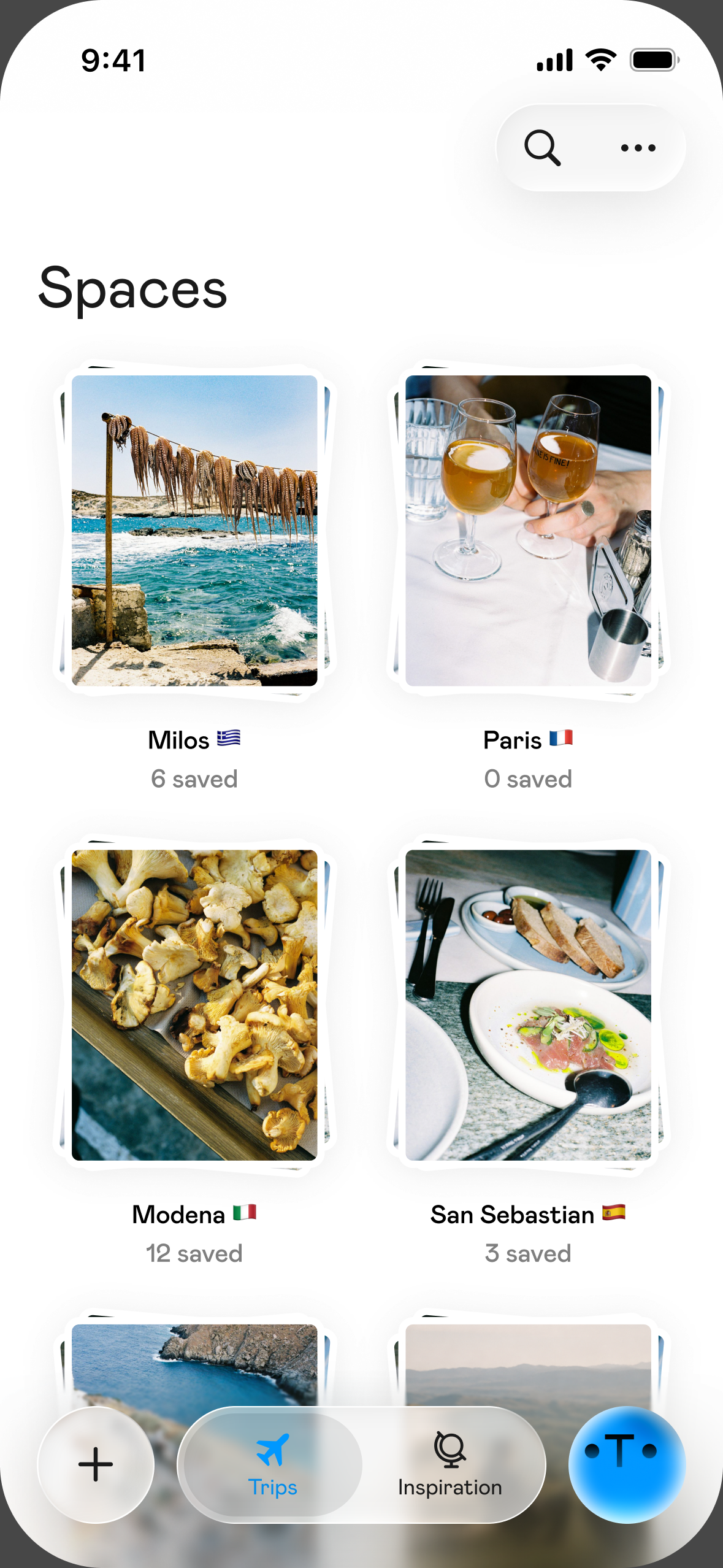
- Use Favorites, not the heart. Liked videos sit in one long scroll and don't go straight into a collection. Favorites do. Your collections live under the Favorites tab on your profile, and you can name a new one when you save a video. TikTok moves these menus around often, so the labels on your phone may differ.
- Name collections by city, not by trip. "Lisbon" stays useful for years. "Portugal summer maybe" doesn't.
- Write the place name down once you find it. A saved video depends on the creator keeping it public. A plain list of names is your backup.
How do you get the place name out of a TikTok?
Short answer: work down this list and stop at the first clear answer. Location tags are optional on TikTok: creators can add one when they post, and plenty don't.
| Where to look | What to do | Watch out for |
|---|---|---|
| Location tag | If a place name is attached to the post, tap it | Often missing, or only a city rather than a venue |
| On-screen text and caption | Pause and read. "10 places in..." videos may flash each name for a second | Nicknames, abbreviations and misspellings |
| Audio | Turn on captions if the video offers them. TikTok added auto-generated captions that viewers can switch on in 2022 | Auto-captions can mangle foreign names, so search what it sounds like plus the city |
| Comments | Scan for "where is this" and check for a pinned reply | Commenters guess, so confirm on a map |
| The picture itself | Screenshot a storefront, menu or view and search it | See the tools below |
| The creator | Check their other videos from that trip, or ask | They may never answer |
Two tools do most of the work on screenshots:
- Google Maps' screenshot tool. On iPhone and iPad, in certain countries, Google Maps uses Gemini to find place names in your screenshots and offers to save them to a "Screenshots" list. You can pick up to 50 at a time (You, then Screenshots, then Choose screenshots). Google says it needs clear text naming the place, so it suits list videos with names on screen and not a shot of an unlabelled alley.
- Google Lens. In the Google app on iPhone, tap the Lens icon in the search bar, choose your screenshot and drag the box around a sign or building. It also works on Android.
Give each video two minutes. If you can't name it by then, move it to a "mystery" note and keep going. The goal is a list of places, not a perfect record of every video you ever liked.
How do you check that a place from a TikTok still exists?
Short answer: look at the video's date, confirm on Google Maps, then check one more source. Do this before you build a day around anything.
- The date. Treat anything over a year old with suspicion, especially restaurants and bars.
- Google Maps. Google says a permanently closed business can keep appearing in Search and Maps, marked as closed, so finding a listing isn't proof it's open. Closure reports from users are also reviewed before they appear, which can take time, so a place that shut recently may still look open. Read the newest reviews and photos.
- One more source. The venue's own site or recent posts. For anything you'd cross a city for, call or message.
- Whether the experience still exists. Viral spots change because they went viral. In Fujikawaguchiko, Japan, the view of Mount Fuji behind a Lawson convenience store got so popular on Instagram and TikTok that the town put up a large black barrier to block it in May 2024. It came down on August 15, 2024, with officials saying it could return if things changed. A video can be right on the day it was shot and wrong by the time you land.
- Whether it's real at all. In 2025, an elderly couple from Kuala Lumpur traveled more than 300 kilometers to Perak in Malaysia for a cable car they'd seen in a video. It was AI-generated, and the ride didn't exist. A place with no map listing, no reviews from a range of people and no official site doesn't go in the plan.
How do you turn 30 saved videos into days?
Short answer: map first, calendar second. Pin everything, group it by neighborhood, give each group a day, then let closing days decide the order.
- Make one Google Maps list for the trip and add each place you've verified. In the note, write why you saved it ("the tart with the bell", "sunset spot"). You will forget.
- Zoom out and circle the clusters. You want roughly one cluster for each day you have.
- Pick anchors. One thing per half day that you'd be sad to miss, with nearby saves as optional extras. Our guide to making a travel itinerary covers anchors and buffer time in detail.
- Check closed days and fixed days. This is what most often sets the order of a trip.
- Cut the outliers. A place far from everything else earns its spot only if it's an anchor. Otherwise it goes on the "next time" list.
A worked example: three days in Lisbon
Say your Lisbon collection has videos of a flea market, a sunset viewpoint, a monastery, custard tarts and a food hall. Here's how they fall, assuming you land on a Friday night:
| Day | Cluster | From your videos | What decides the day |
|---|---|---|---|
| Saturday | Alfama and Graça | Feira da Ladra flea market in the morning, Miradouro da Senhora do Monte at sunset | The market runs only on Tuesdays and Saturdays |
| Sunday | Belém, then Alcântara | Jerónimos Monastery, Pastéis de Belém, LX Factory on the way back | Jerónimos is closed on Mondays |
| Monday | Chiado and Cais do Sodré | Manteigaria for tarts, Time Out Market Lisboa | Both are listed as open daily, so this cluster takes the leftover day |
Two details you'd never notice while scrolling set the whole order. Swap Sunday and Monday and you reach the monastery on the one day it's shut. Move the flea market to Sunday and there's no flea market. The viewpoint also gets its time slot from the map: Senhora do Monte faces west, so it goes at the end of the day. For more on the city itself, see our Lisbon guide.
How do you share the plan with friends?
Short answer: send one shared map, not 30 links.
In Google Maps, a list can be set to Shared, and "Invite collaborators" lets friends add their own places and notes. Collaborative lists launched with emoji voting too (a heart or a thumbs-down, for example), so the group can settle the "do we really need this bar?" question without a 200-message thread. Paste the TikTok link into each place's note, so people can see why it's there. Then agree on the anchors together and leave the rest loose.
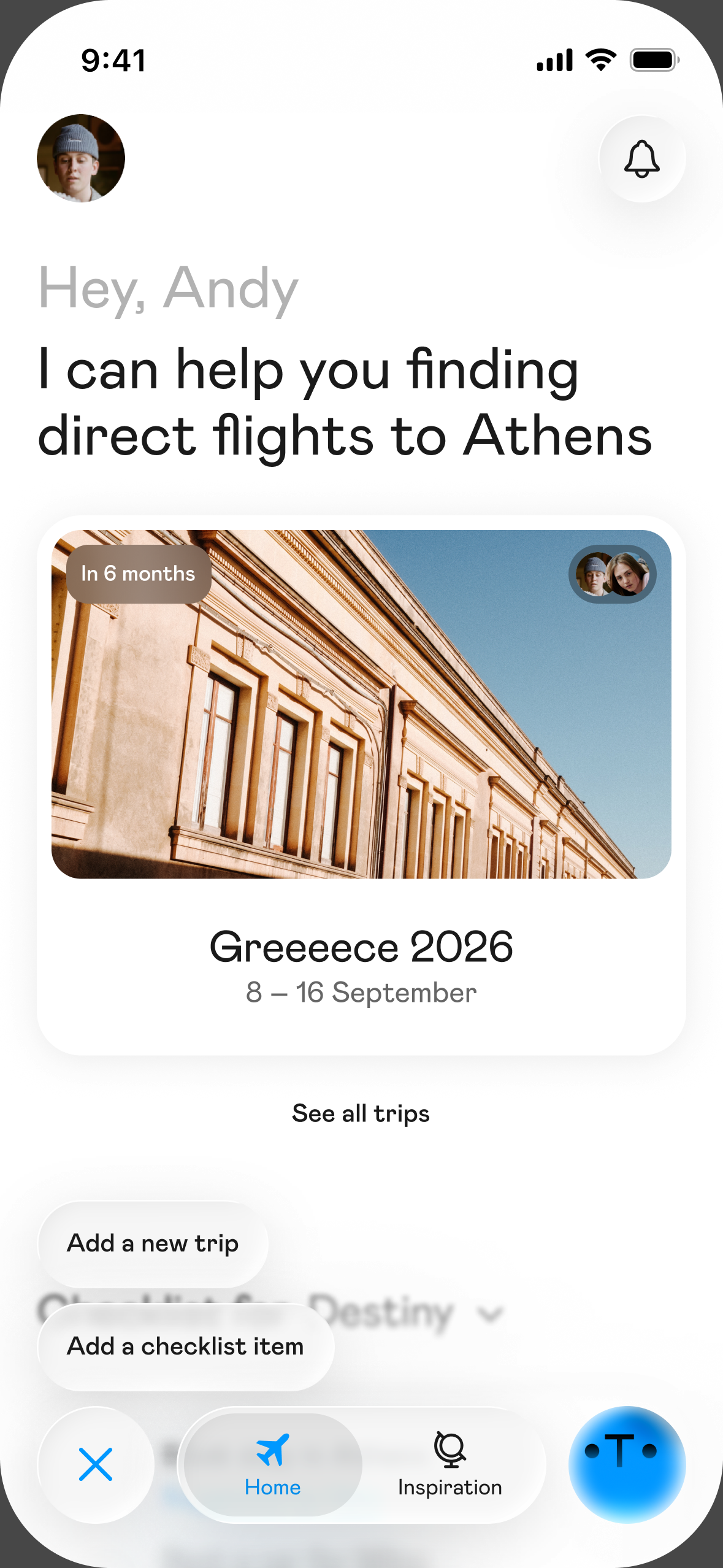
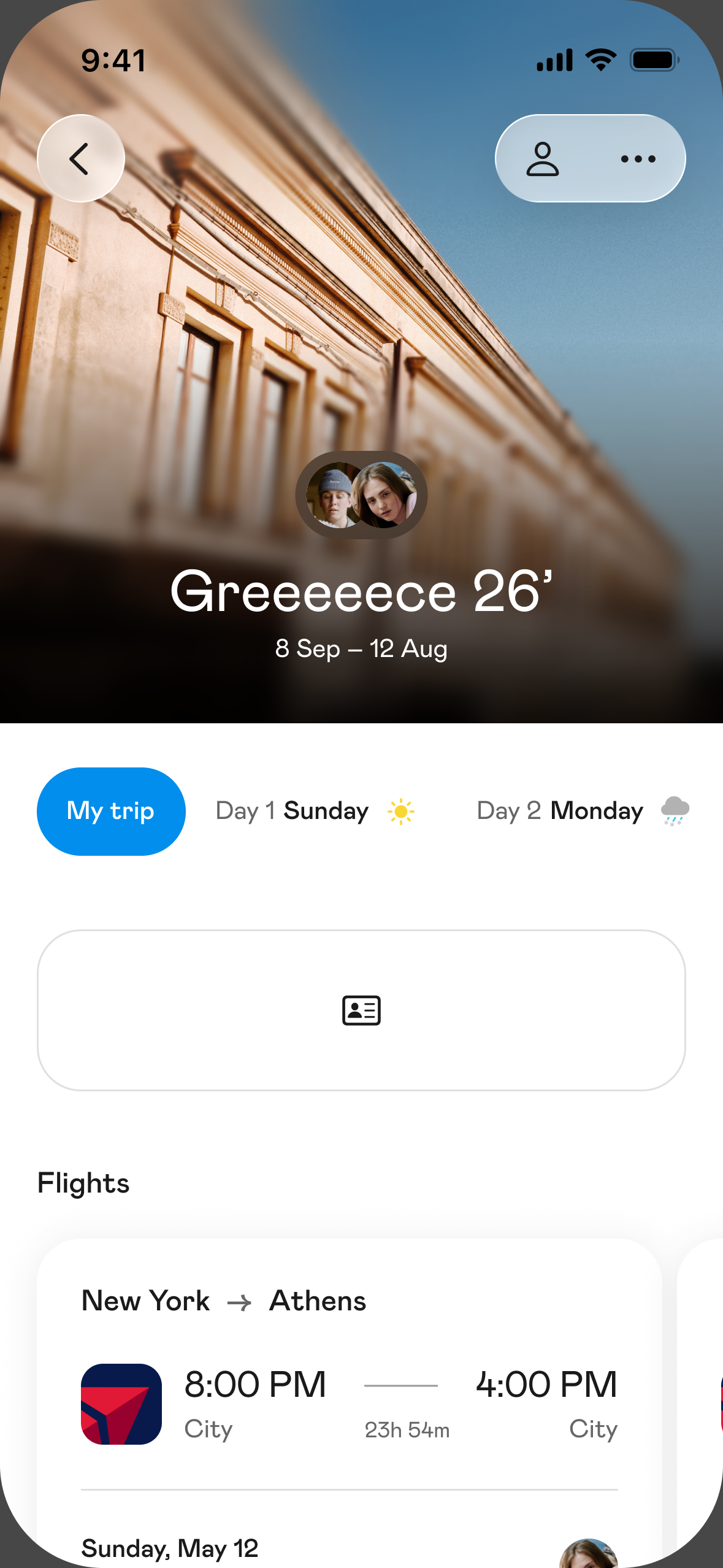
If copying all this by hand is what stops you, it's the gap Otta was built for. Share a TikTok link to Otta with the iPhone share button and she saves the places named in it, with the video attached to each one so you can replay why you wanted to go. She only pins a place on the map when she's confident, so check any without a pin yourself. Everyone on a shared trip sees and edits the same day-by-day plan. Otta is iOS only.
What shouldn't you trust a TikTok for?
Short answer: trust it for ideas and for a feel of the place. Verify prices, hours, queues and anything called a hidden gem.
- Paid posts. The US Federal Trade Commission says creators should disclose when they got anything of value to mention a product, and that includes free or discounted items. Not everyone does, and that rule doesn't bind every creator on your feed. If a video feels like an ad for a hotel, ask whether it is one.
- Prices and hours. These go stale fastest, and a video can't update itself.
- "Hidden gem". If millions of people have watched it, plan for a line.
- Who's talking. Look at the creator's other videos before you trust a recommendation. Someone who eats and travels the way you do is worth more than a bigger account on a 48-hour trip. A food tip from someone whose taste you know beats a stranger with a good edit.
FAQ
What's the difference between liking and favoriting a TikTok?
A like is a heart that sits in one long list. A favorite goes to the Favorites tab on your profile, where you can sort it into named collections. For trip planning, use favorites. Guides differ on the details and TikTok changes its menus, so check your own app.
What if a video has no location tag and nobody in the comments knows?
Screenshot the most distinctive frame (a sign, a menu, a building) and run it through Google Lens. If that fails, ask the creator. If there's still no answer, leave it out of the plan rather than building a day around a guess.
Can I do all this on Android?
Yes, by hand. Google Lens and shared Google Maps lists both work on Android. Google's help page lists the Maps screenshot tool as iPhone and iPad only, and Otta is iOS only.
How many places should go in one day?
One anchor per half day, plus a few nearby extras you're happy to skip. If a day has six must-dos, you have two days or too many must-dos.
Can ChatGPT build the plan from my saved videos?
It can help with the sorting. Paste your checked list of place names and ask it to group them by neighborhood. Don't assume it has watched the videos, and check every hour and address yourself. Our guide to using ChatGPT to plan a trip has prompts that work.
Sources
- Talker Research, TikTok and travel inspiration survey: https://talkerresearch.com/travel-trends-younger-americans-are-relying-on-ai-more-and-more-for-travel-planning/
- Bustle, saving and organizing TikTok favorites: https://www.bustle.com/life/how-to-save-organize-favorite-videos-tiktok
- MakeUseOf, TikTok collections: https://www.makeuseof.com/how-to-create-tiktok-collections/
- TikTok Help Center, making a post: https://support.tiktok.com/en/using-tiktok/creating-videos/making-a-post?lang=en
- Engadget, TikTok auto-generated captions: https://www.engadget.com/tiktok-auto-generated-captions-193340870.html
- Google Maps Help, save places from screenshots: https://support.google.com/maps/answer/16278054
- Google Search Help, search with an image on iPhone: https://support.google.com/websearch/answer/1325808?hl=en&co=GENIE.Platform%3DiOS
- Google Search Help, search with an image on Android: https://support.google.com/websearch/answer/1325808?hl=en&co=GENIE.Platform%3DAndroid
- Google Business Profile Help, closed businesses: https://support.google.com/business/answer/15300196
- Google Maps Help, mark a place closed: https://support.google.com/maps/answer/10552932
- CNN via KTVZ, Mount Fuji barrier removed: https://ktvz.com/?p=1412142
- Wikipedia, Fujikawaguchiko (barrier installed May 21, 2024): https://en.wikipedia.org/wiki/Fujikawaguchiko,_Yamanashi
- New Straits Times, AI cable car video: https://www.nst.com.my/amp/news/nst-viral/2025/07/1238897/nstviral-elderly-couple-duped-ai-generated-cable-car-video
- Deccan Herald, couple's 300 km trip: https://www.deccanherald.com/world/malaysian-couple-travels-more-than-300-km-to-destination-suggested-by-ai-heres-what-happened-next-3625835
- Visit Lisboa, Feira da Ladra: https://www.visitlisboa.com/pt-pt/locais/feira-da-ladra
- Lisbon Tourism, Jerónimos Monastery hours: https://www.lisbontourism.org/jeronimos-monastery/
- Time Out, Manteigaria: https://www.timeout.com/lisbon/restaurants/manteigaria
- Time Out Market Lisboa, FAQs: https://www.timeout.com/time-out-market-lisboa/faqs
- Time Out, Pastéis de Belém: https://timeout.com/lisbon/restaurants/pasteis-de-belem
- The Discoveries Of, LX Factory: https://www.thediscoveriesof.com/lx-factory-lisbon/
- AAA, Miradouro da Senhora do Monte: https://www.aaa.com/tripcanvas/attraction/miradouro-da-senhora-do-monte-VA23009
- Google Maps Help, lists of places: https://support.google.com/maps/answer/7280933
- TechCrunch, Google Maps collaborative lists and emoji voting: https://techcrunch.com/2023/11/15/google-maps-gets-more-social-feature-help-you-collaborate-with-friends
- US Federal Trade Commission, Disclosures 101 for social media influencers: https://www.ftc.gov/business-guidance/resources/disclosures-101-social-media-influencers
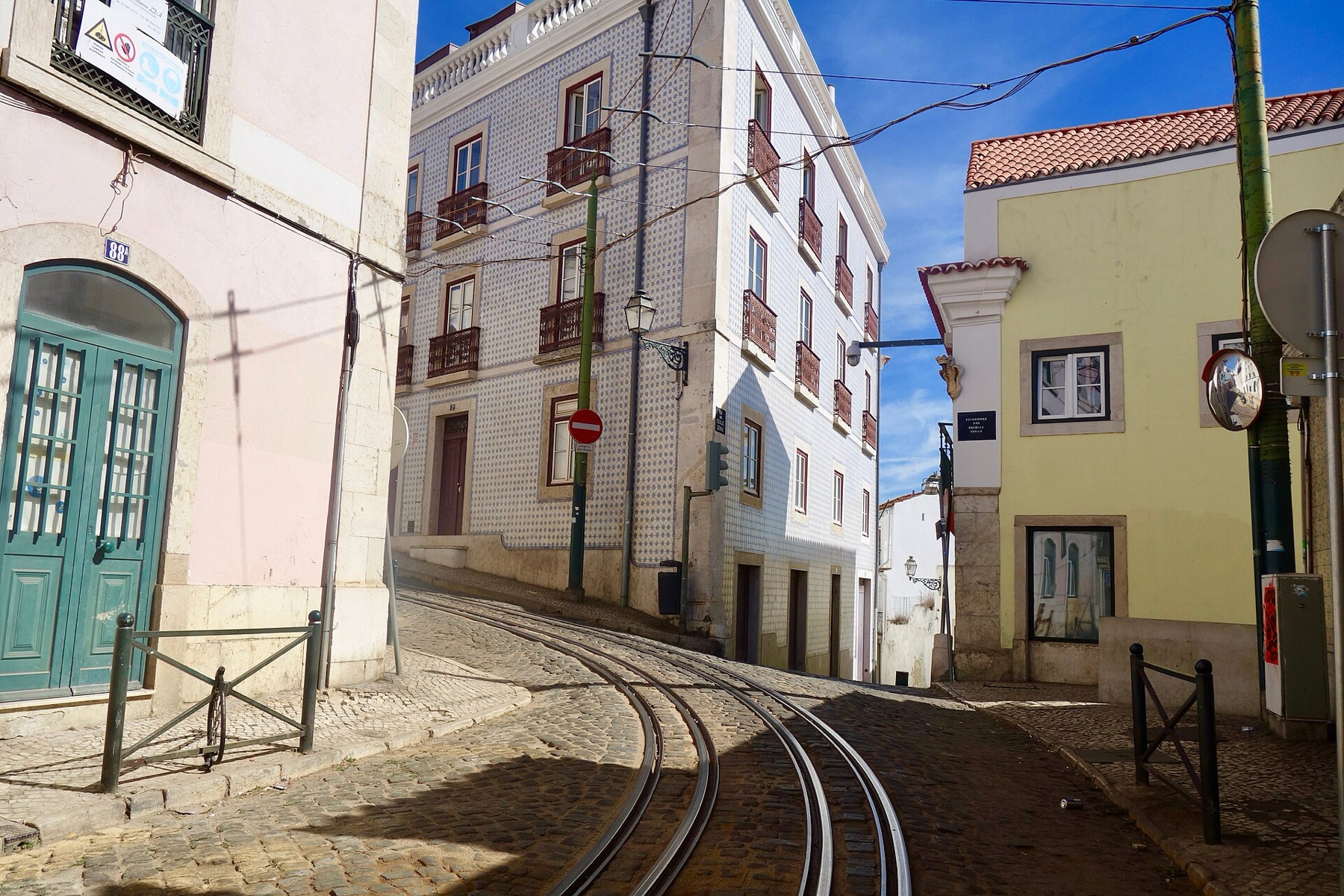
Cover photo: Sonse, CC BY 2.0, via Wikimedia Commons.